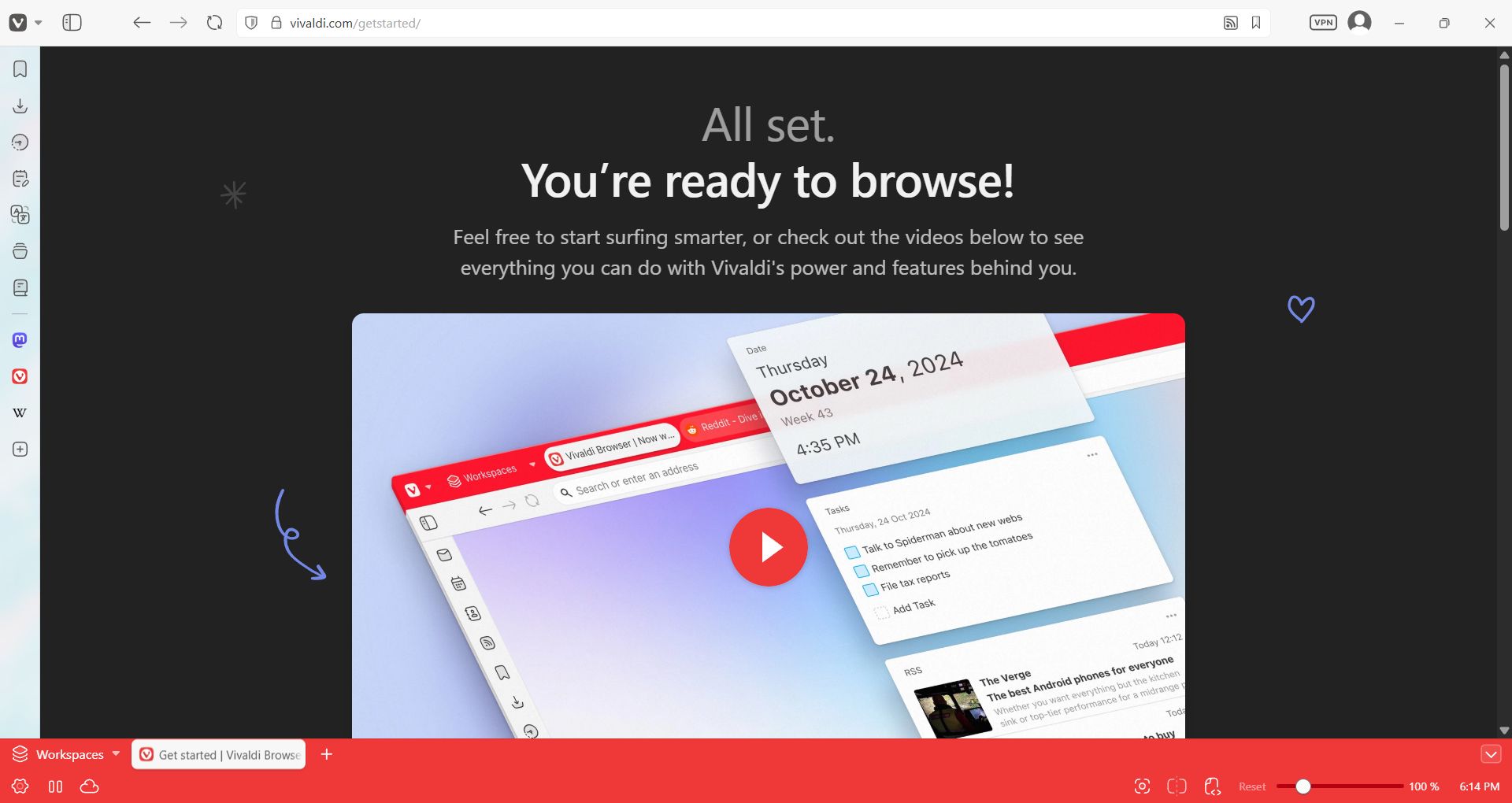
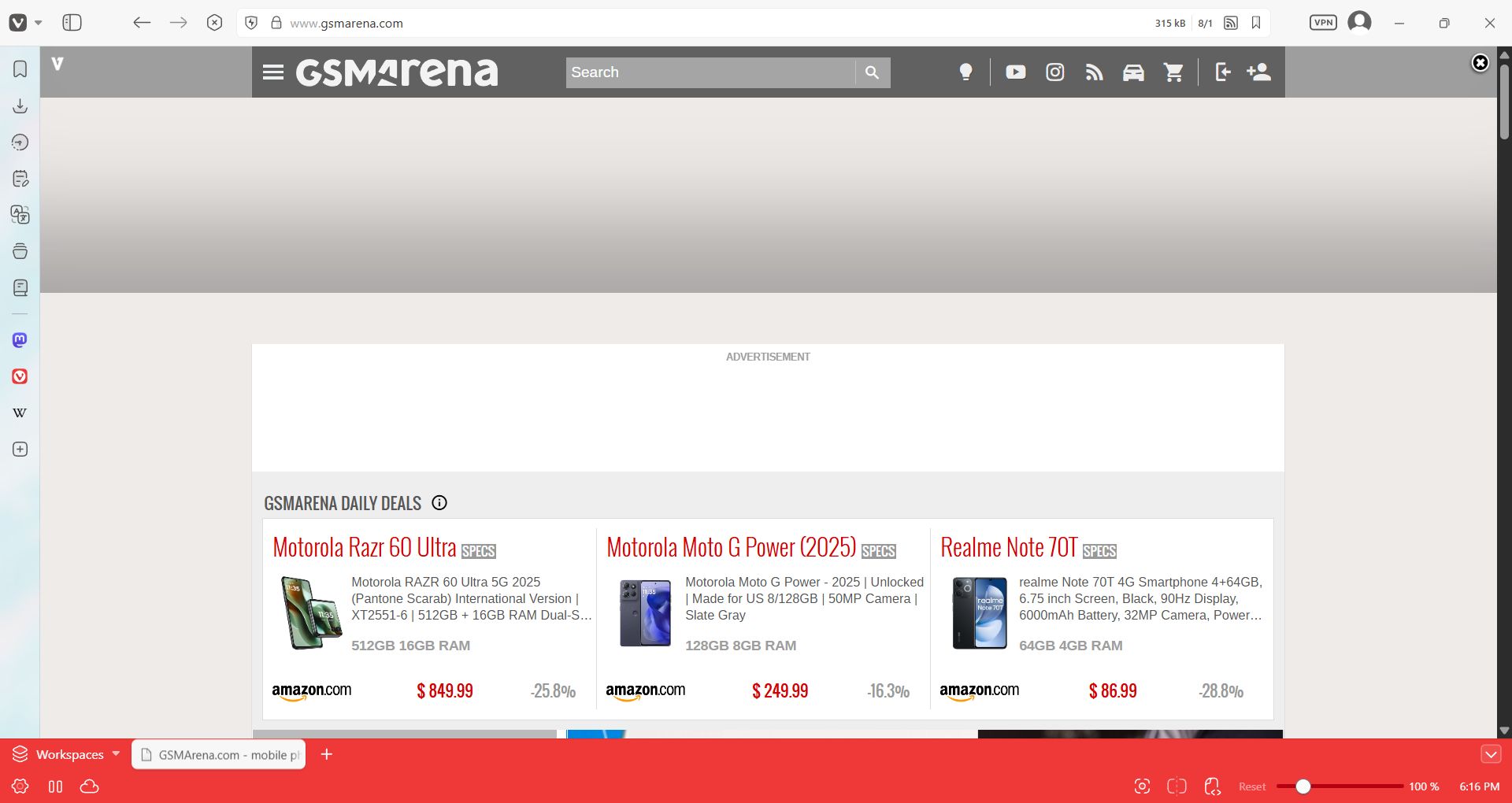
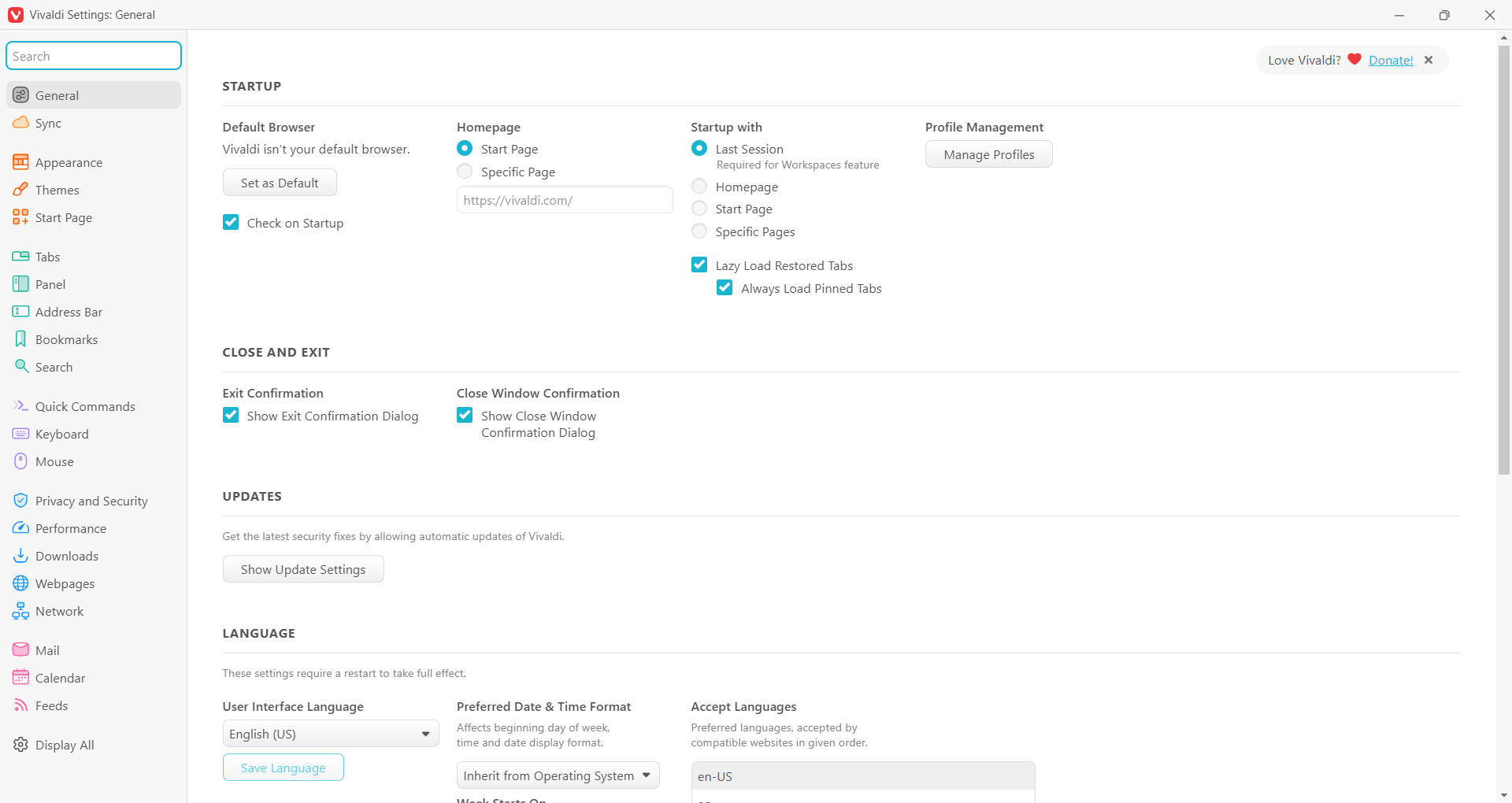
Vivaldi is a highly customizable web browser designed for users who want complete control over their browsing experience. It is available across platforms, including Windows and Mac, so compatibility is rarely an issue. Built on the Chromium engine, it combines speed, flexibility, and compatibility with Chrome extensions while offering unique features you won't find in most mainstream browsers.
Vivaldi is highly optimized for performance and stays responsive even with multiple tabs open. It manages memory efficiently without bogging down your system. This makes it ideal for power users who manage heavy online workloads, including intensive research, web apps, or content creation. Vivaldi focuses entirely on productivity and personalization, giving you the tools to tailor the browser to your specific workflow.
Customization and productivity features
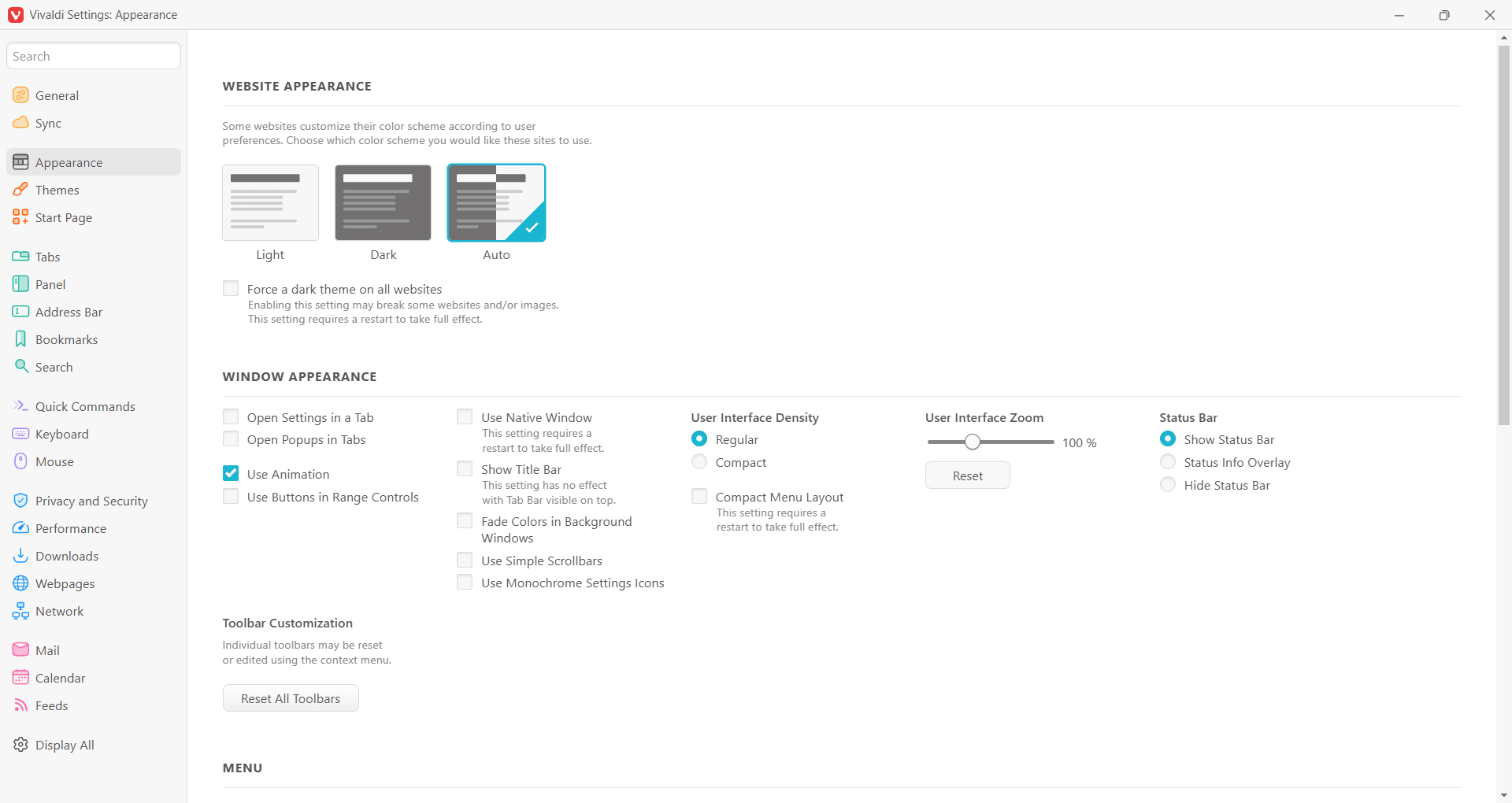
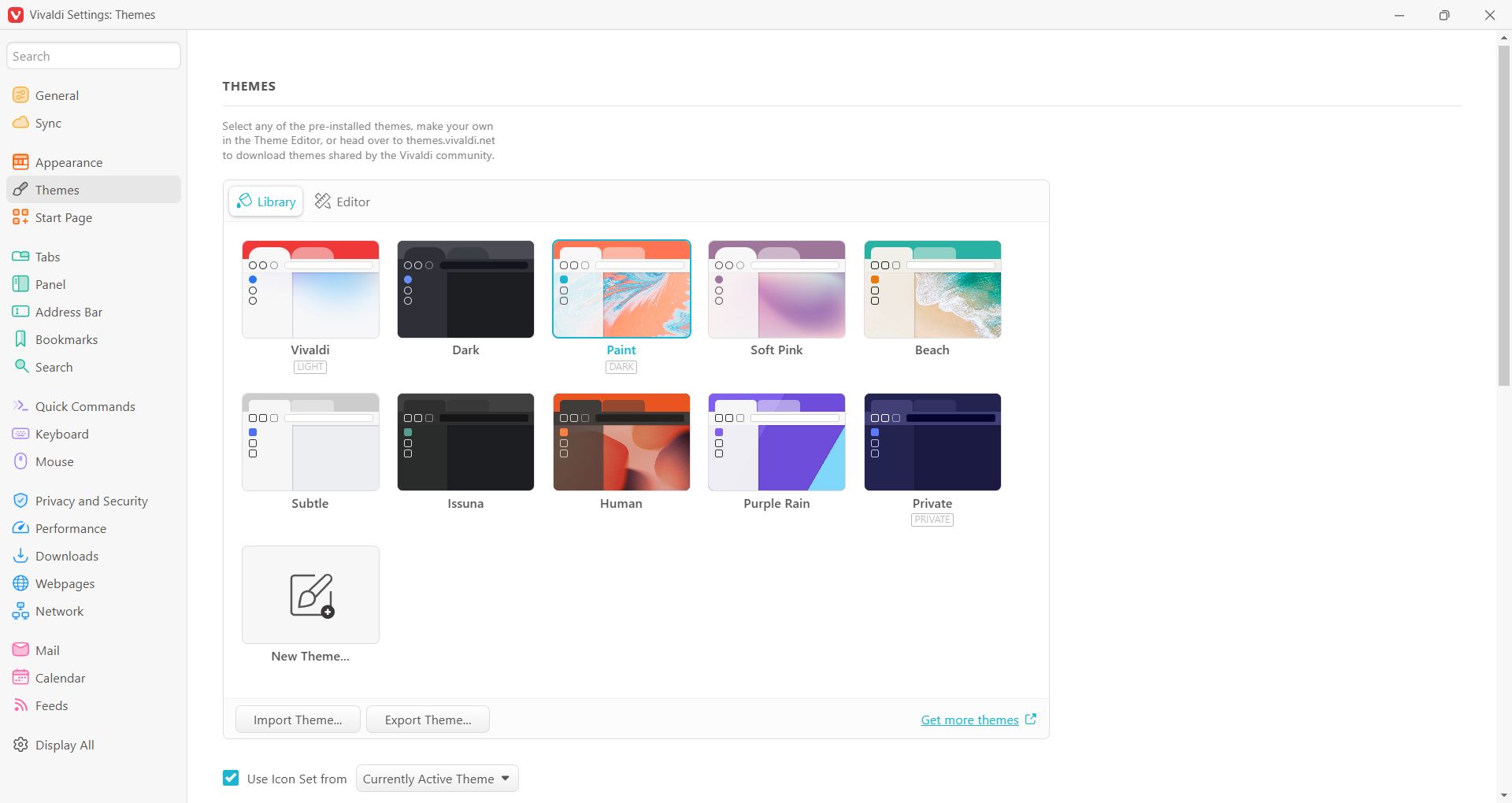
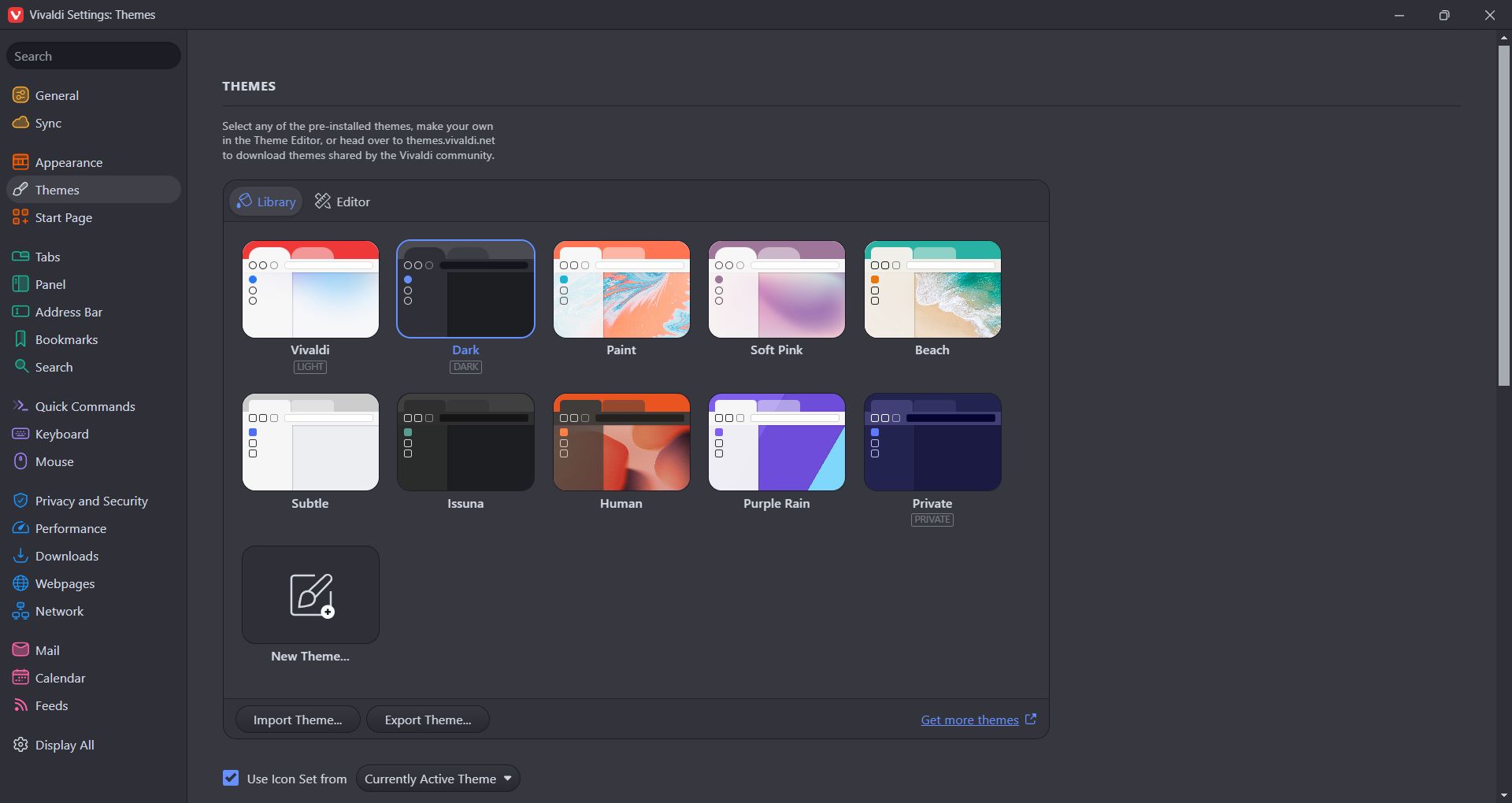
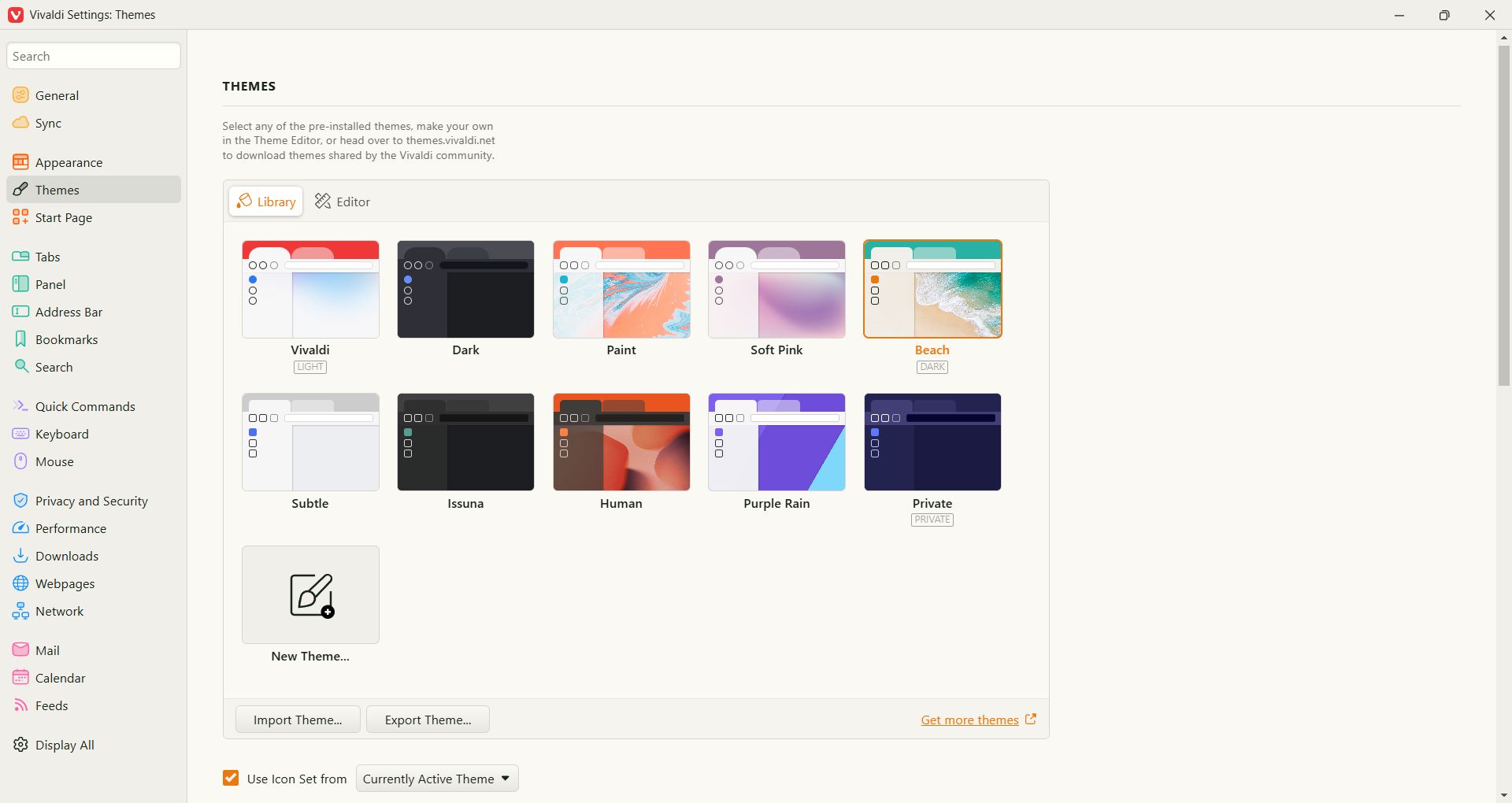
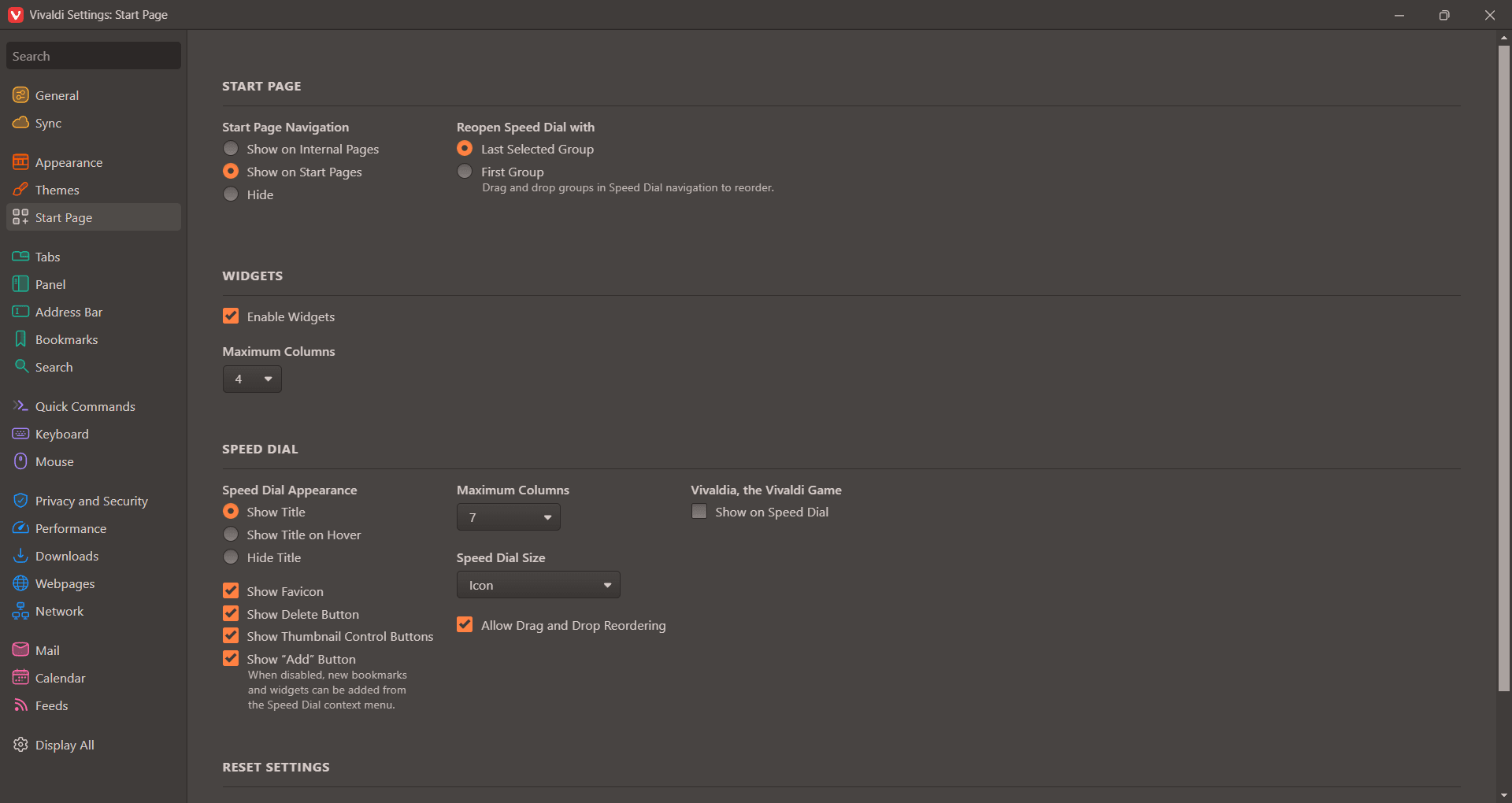
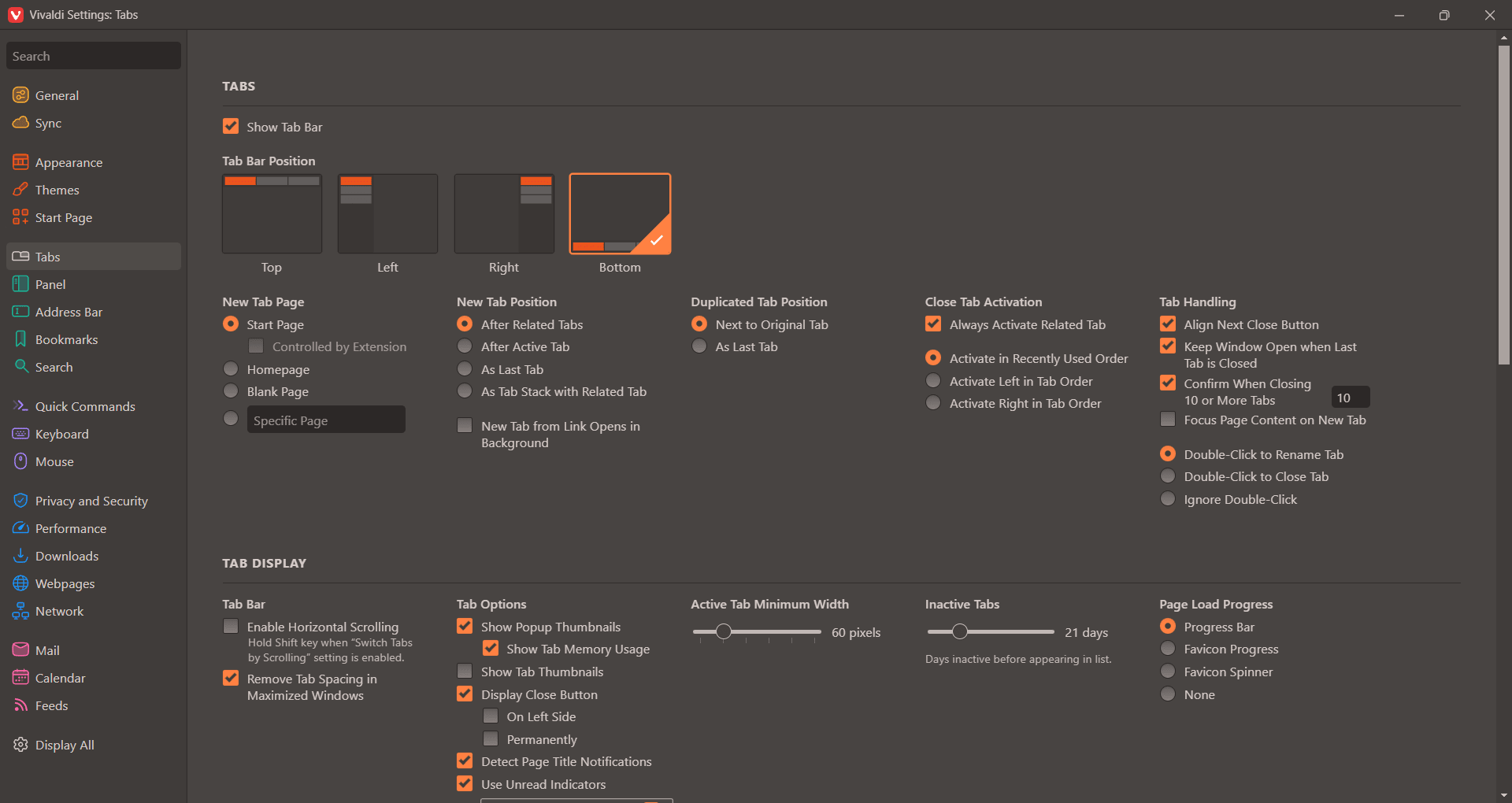
Vivaldi stands out from the pack by offering customization options superior to most competitors. You can rearrange tabs, create tab stacks, customize the entire interface with themes, and organize tabs by workspaces. Workspaces allow you to group tabs by project, task, or topic, making it easy to switch between different workflows while keeping everything organized.
The browser also includes built-in tools like a notes manager, screenshot capture, calendar, email client (Vivaldi Mail), and an RSS reader. If you want a fully integrated browsing experience, this setup significantly reduces the need to hunt down third-party extensions. You can select custom search engines and enable mouse gestures or keyboard shortcuts for much faster navigation.Privacy, security, and advanced options
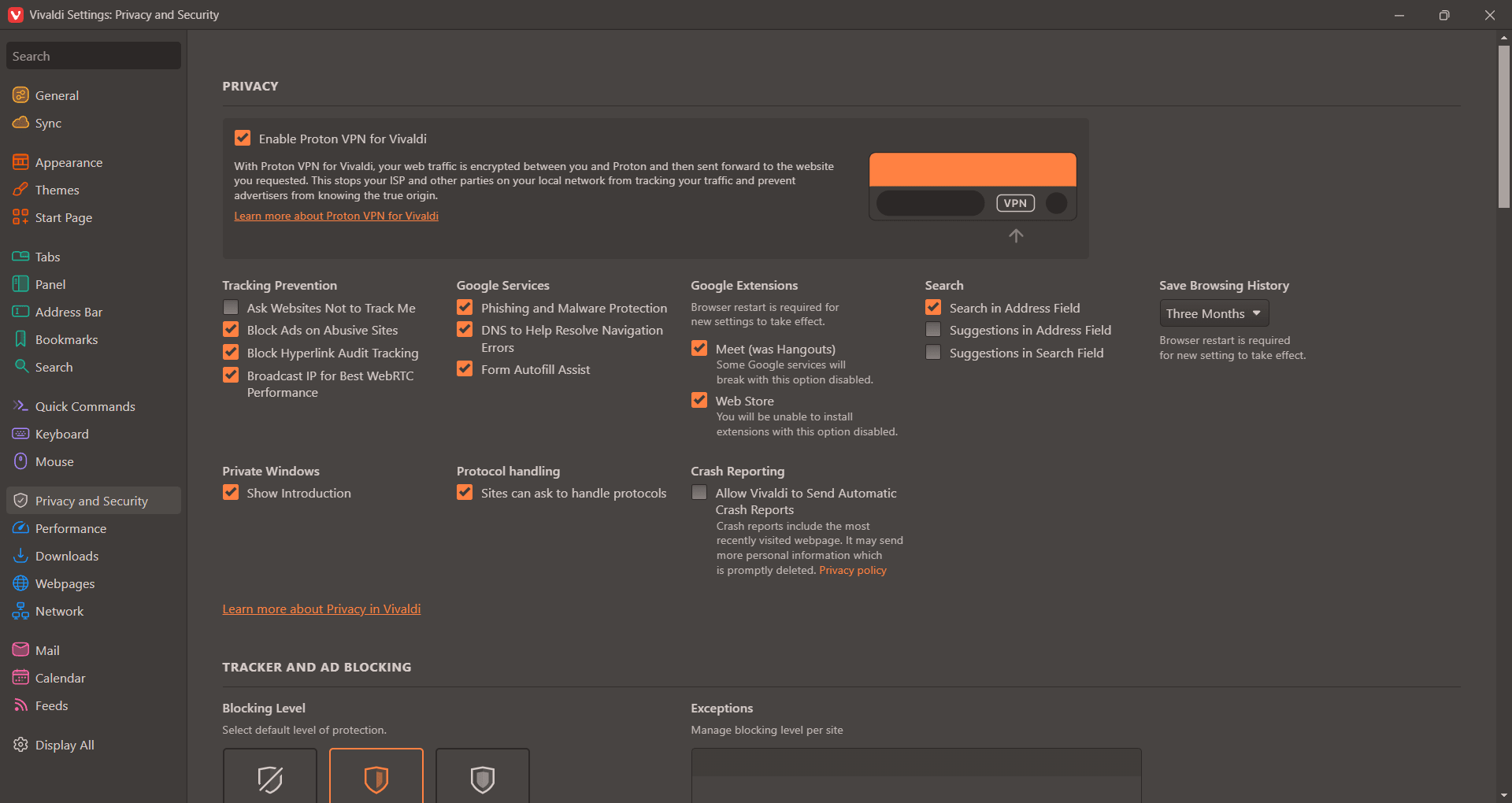
Vivaldi takes privacy seriously. It features a built-in ad and tracker blocker, along with encrypted synchronization for your passwords and bookmarks. It also includes an integrated VPN powered by Proton; you just sign in with your Vivaldi or Proton account to use it right from the toolbar.
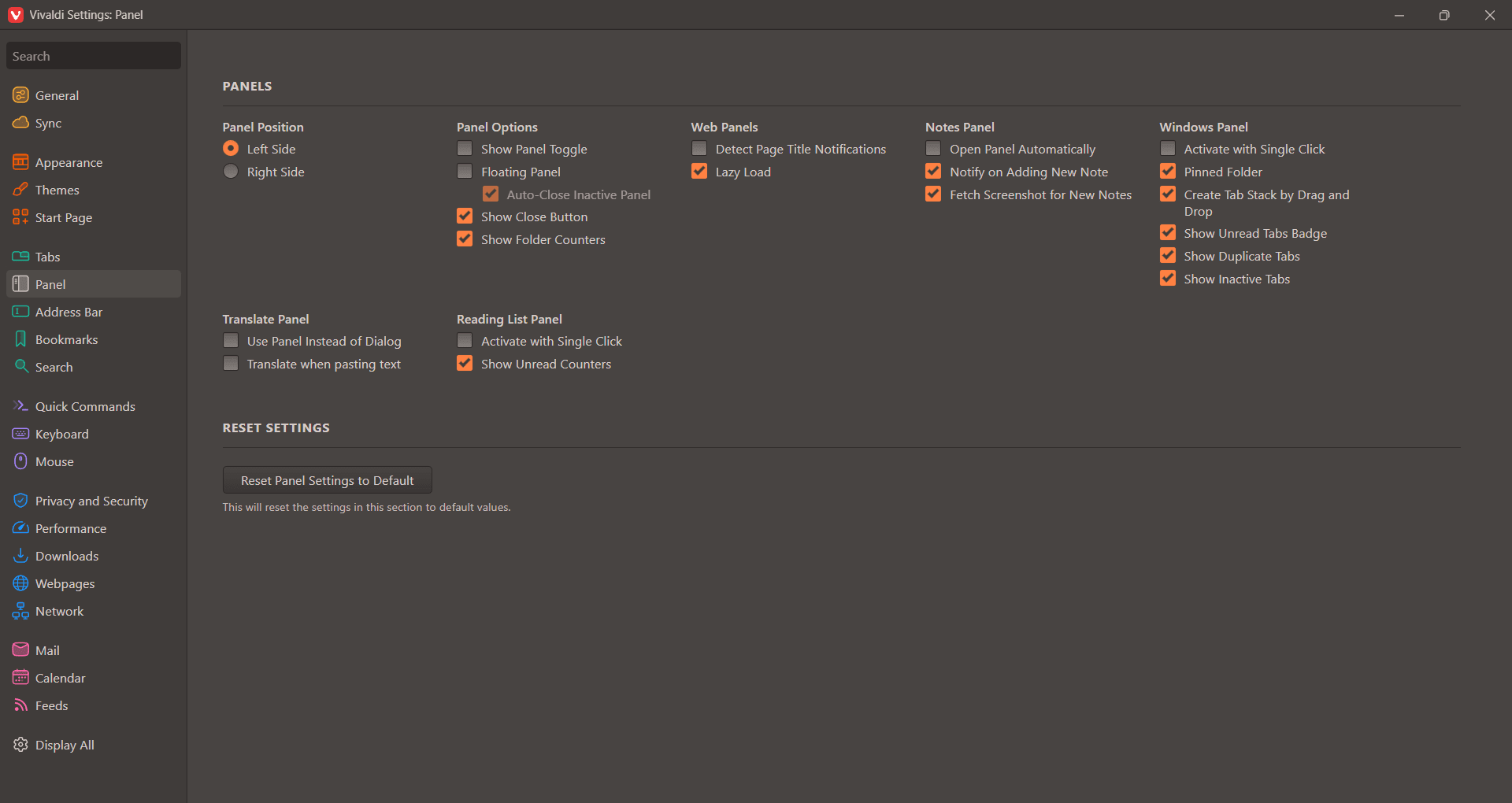
Advanced features like web panels, tab hibernation, and Tab Tiling (a split-screen view) help optimize both your productivity and system resources. The Windows version handles high-resolution displays and multi-monitor setups effortlessly, cementing its status as a top choice for professionals.Perfect for power users on Windows
Vivaldi for Windows is a feature-packed web browser built around customization and productivity. Its extensive tools, advanced tab management, and strong privacy protections make it a superb option for power users, professionals, and content creators looking to streamline their daily workflow.